Changelog

Follow new updates and improvements to My AskAI.

Gorgias AI Tagging

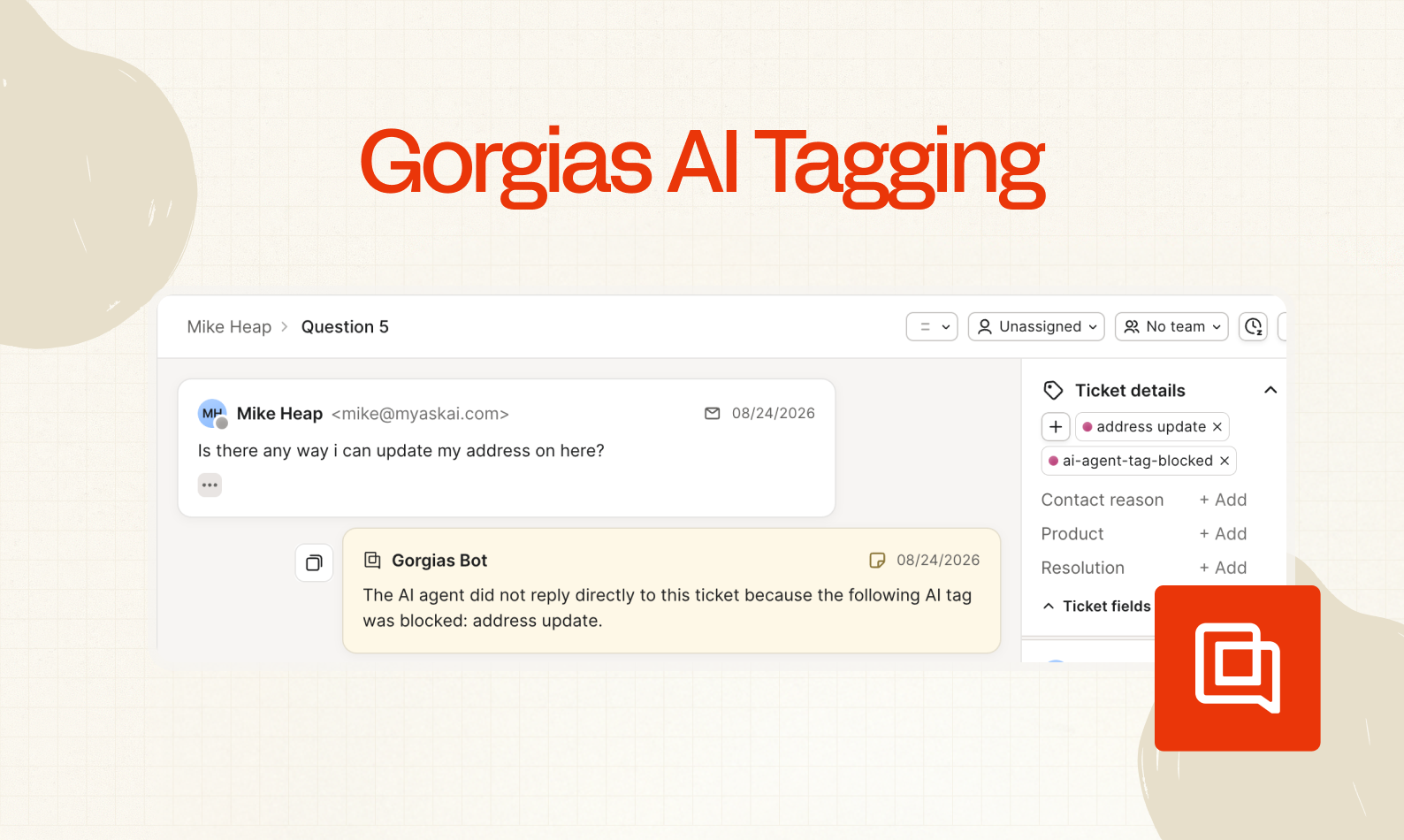
Now you can have AI automatically tag all your Gorgias emails and chats with tags as they come in.

This means you can:

  • More quickly and consistently report on your ticket volume

  • Block replies to certain categories of ticket or chats

  • Add note replies only to categories of ticket or chats

To set it up, just go to AI Agent Setup > AI Tagging and start adding your tags.
New

SMS Replies (Gorgias)

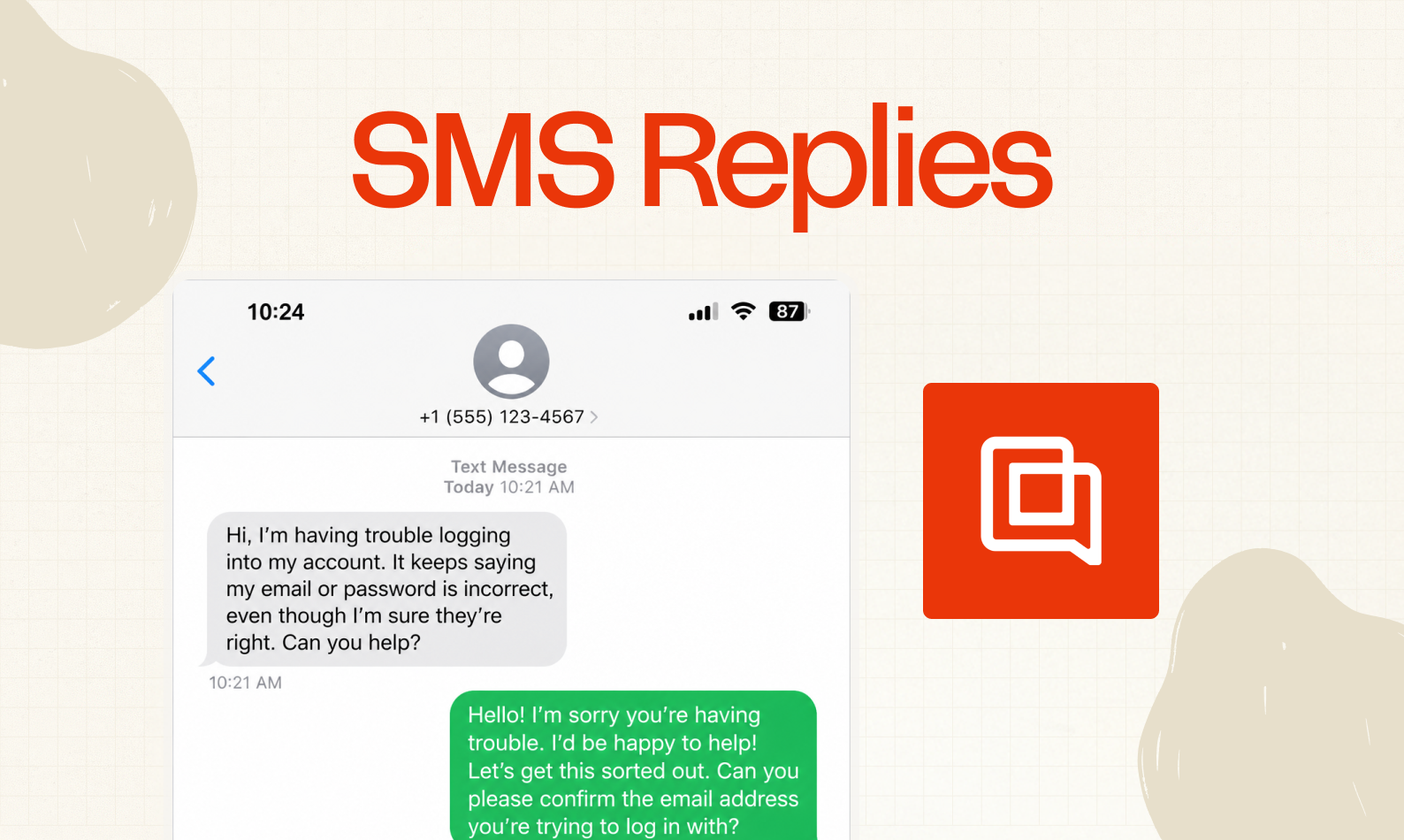
In addition to Chat, Email, Form, and Social Media replies, you can now set your AI agent to reply to SMS messages in Gorgias!

Just select the SMS channel dropdown when configuring your agent in Channels.

New

Image Reading (Gorgias)

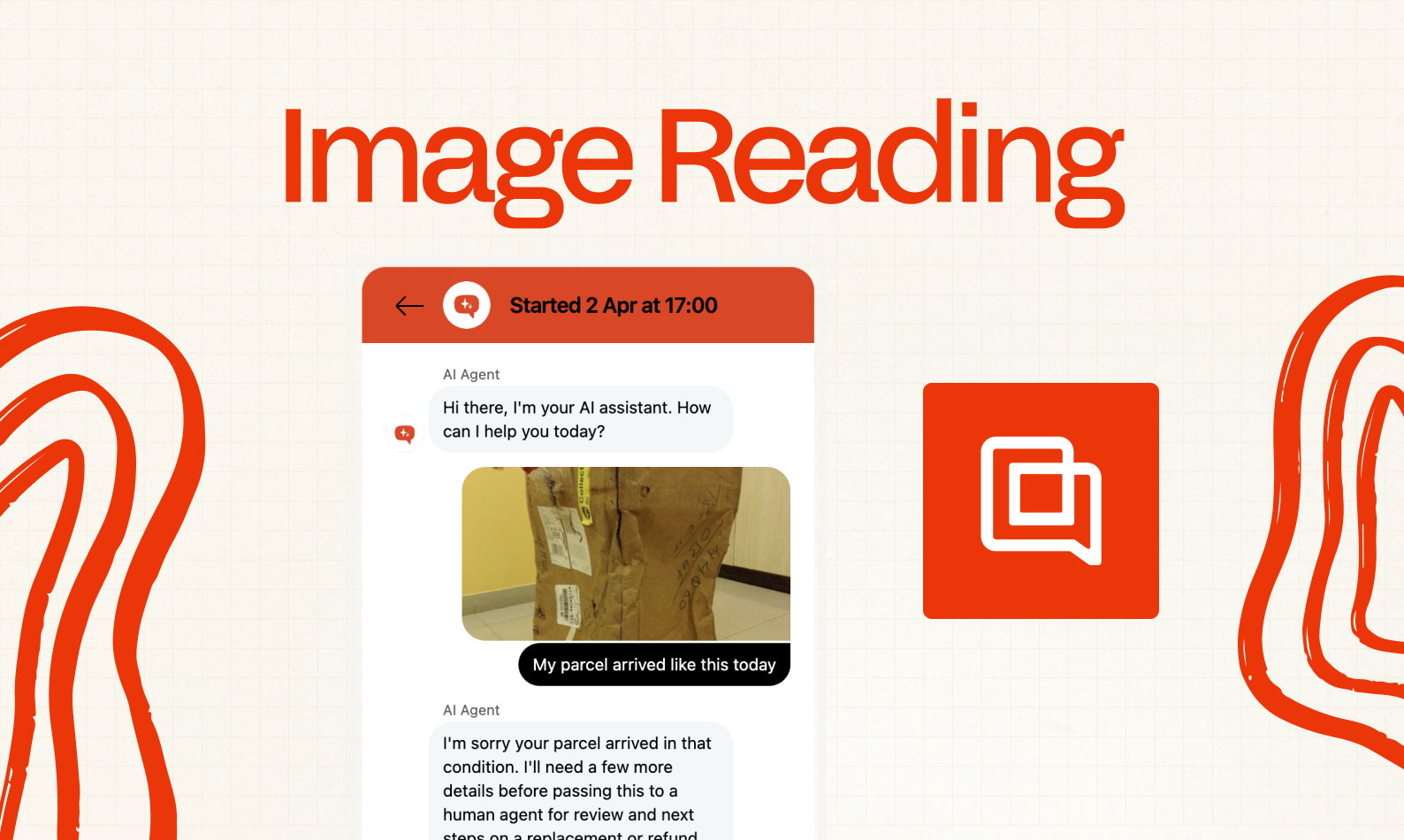
Hot on the heels of image reading in Zendesk, Intercom and Freshdesk, we are now releasing image reading in Gorgias too.

Your AI agent can now read and understand the context of screenshots and images shared in messages and emails so it doesn't have to ask the person to describe anything.

AI customer service agents can see images that are shared either in chats, email bodies or as attachments to emails.

It will process the image, and use it as context when answering the user or customer's question

You only pay $0.02 per reply where image reading is used.

Coming soon for other helpdesks.

Read more on Image reading here.

New

Earlier updates