✉️ Reply from specific accounts - HubSpot + Gorgias
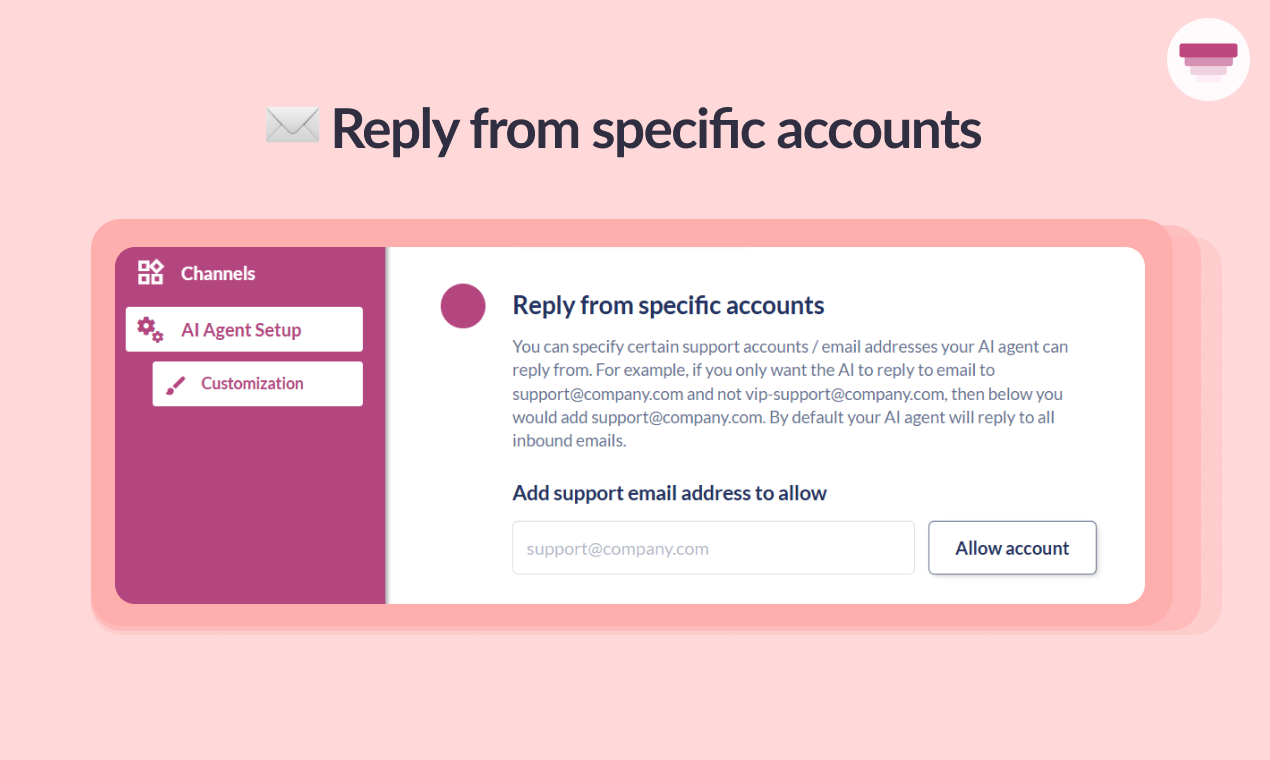
If you’re a HubSpot or Gorgias user (especially those with multiple accounts or brands), you can now specify which email accounts you want your AI agent to reply from by allowing accounts.
To do this, go to AI Agent Setup > Customization and scroll to the “Reply from specific accounts” section.
Enter the accounts you want your AI agent to reply from, click Allow and you’re all set!