📄 Notes for Blocked Replies (Zendesk)
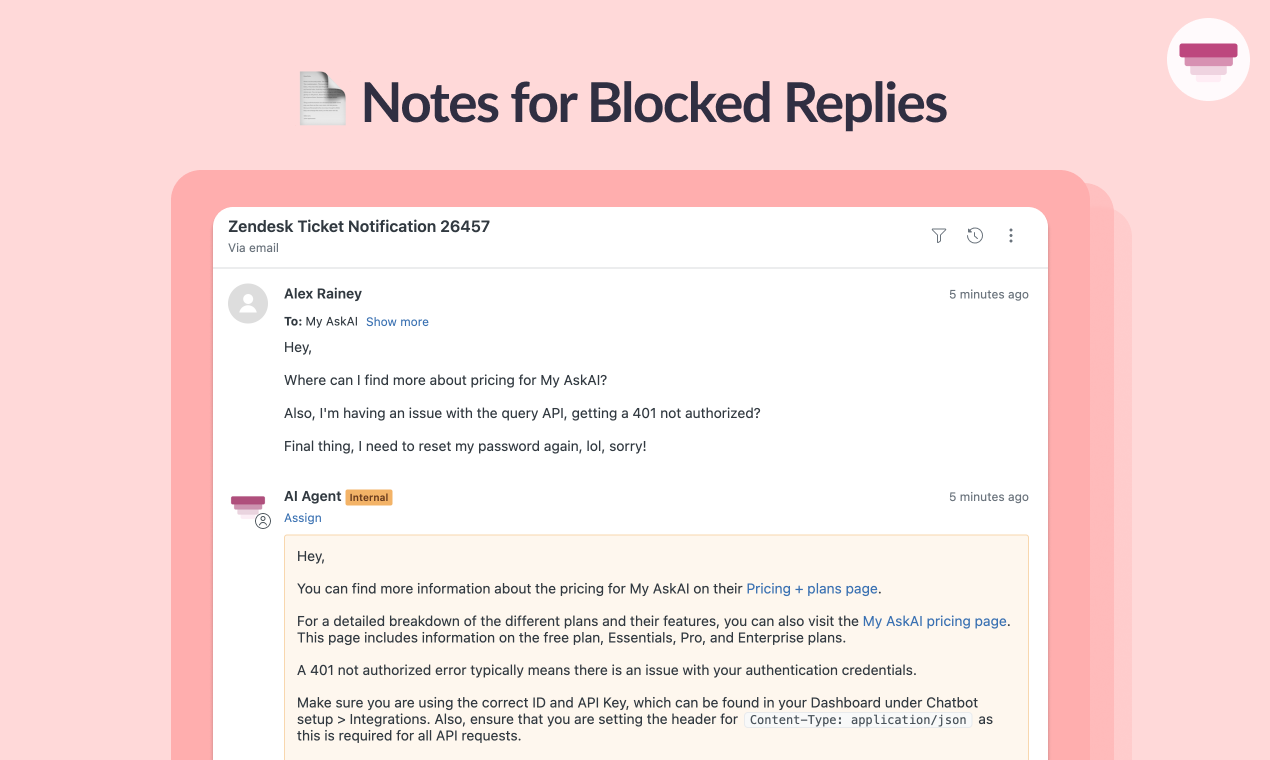
Now, even if you are blocking AI replies in Zendesk Tickets using our Tagging blocking feature, you can still generate AI notes to assist your agents and ensure you know when you want to switch to direct replies.
To turn them on today, go to AI Agent Setup > Auto-Tagging, select the Custom Field or Tag that has the tag you are blocking, then find the tag and click to turn on AI Notes.
1 comment