💤 Delay AI Reply (Zendesk)
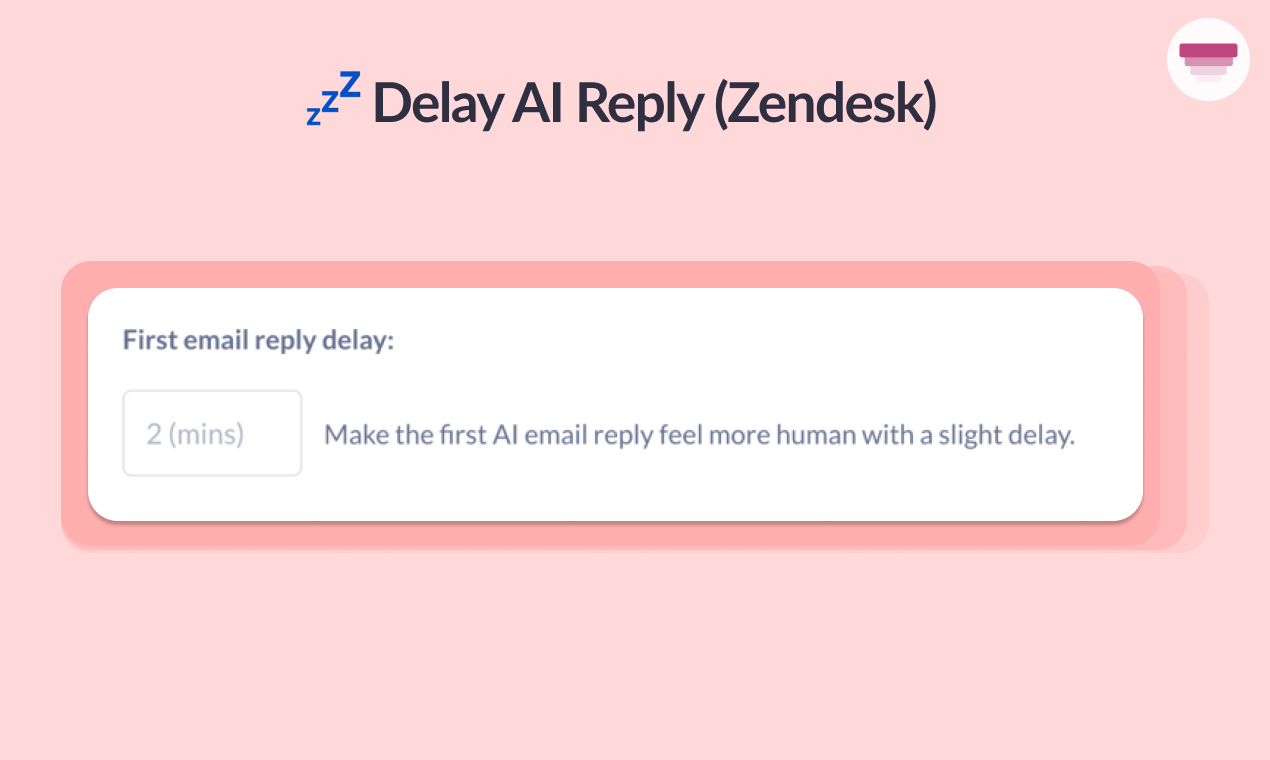
Already live in Intercom, and now live in Zendesk you can set a time delay on your first reply to a ticket to make it feel more ‘human’.
To turn it on, go to Channels > Zendesk > Zendesk Tickets > First email reply delay and specify the number of minutes you want the AI agent to wait before sending the reply.
When the time period is up, the response will then be sent.